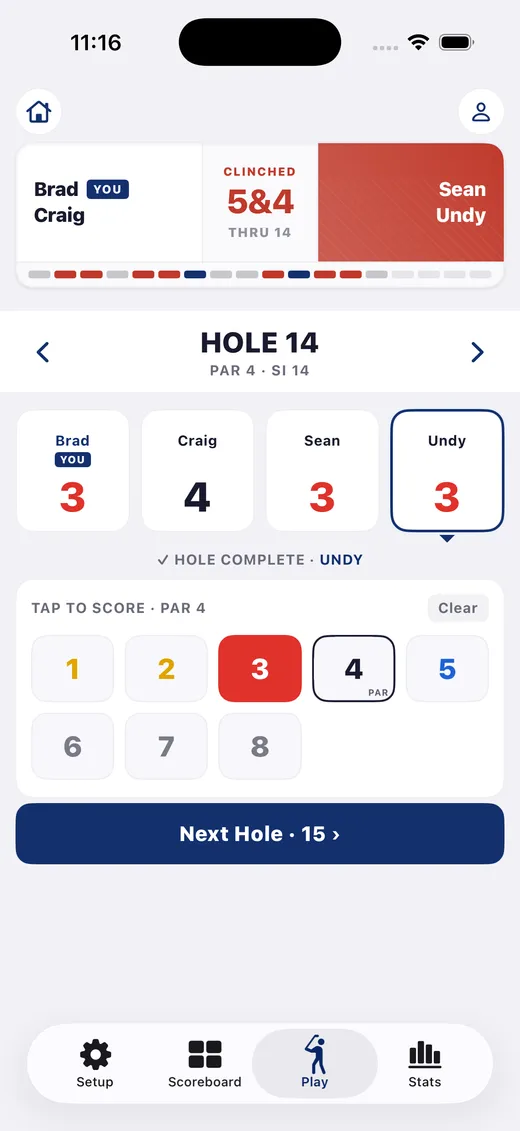
HOW IT WORKS
From group text to a trip ready to play.
Set up the trip, invite your friends, and give every group a scorer.
Name the trip, pick the dates
Give the trip a name, choose the dates, and add up to 24 players. For a repeat trip, Copy Tournament can bring over the full setup or just your players and handicap indexes.
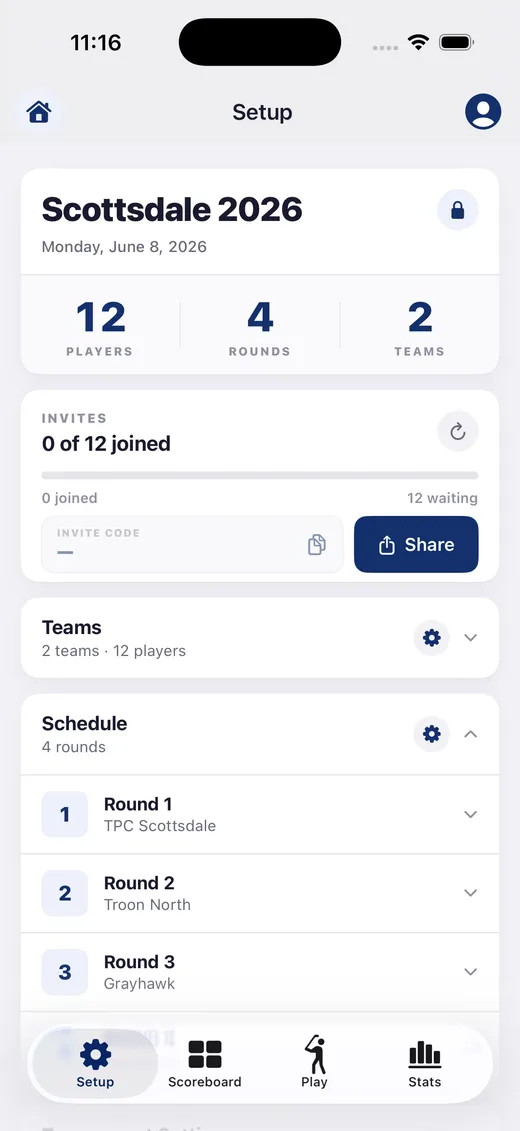
Pick your formats
Choose the tournament style and scoring system, then set each round's course and ball format, such as Best Ball, Scramble, or Bramble. Assign teams and playing groups, and add supported side games. Fixed teams can also play 6-6-6 or 9-9 rounds.
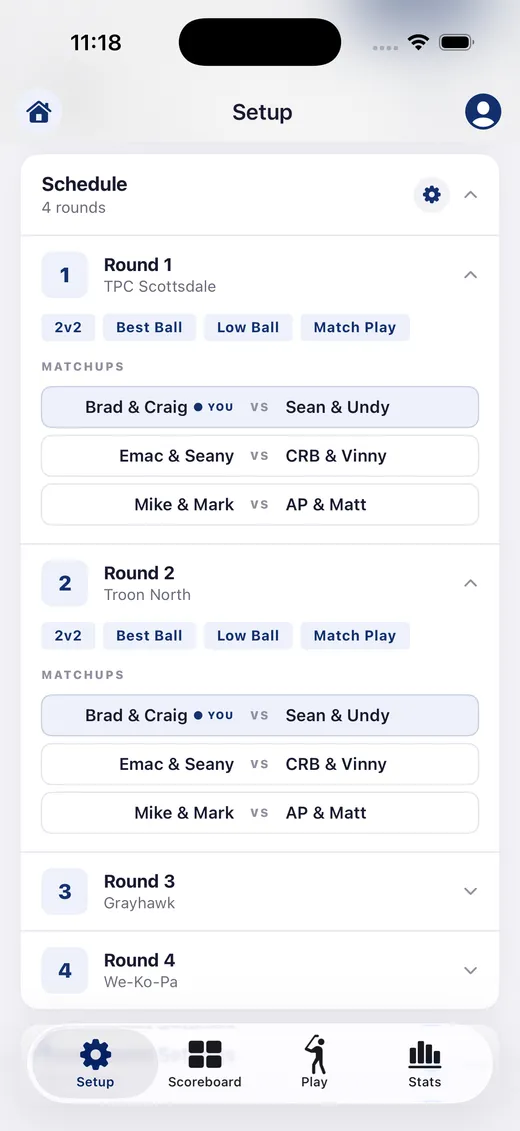
Set the house rules
Agree on the scoring rules and handicap settings before play. Set the round's default tee, assign different player tees where needed, and review everyone's strokes. Upcoming rounds can use their own handicap settings.
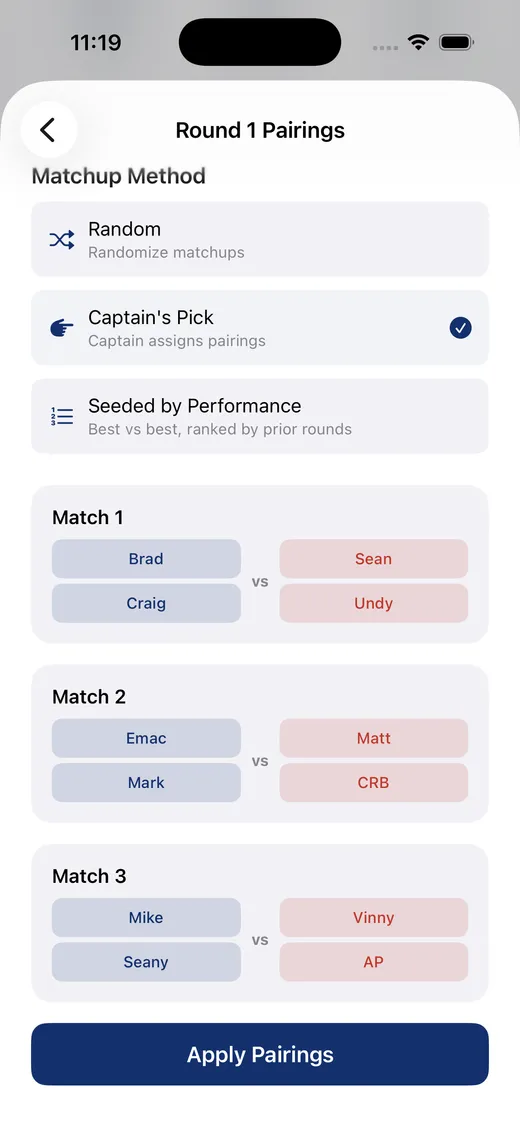
Lock it in and text the link
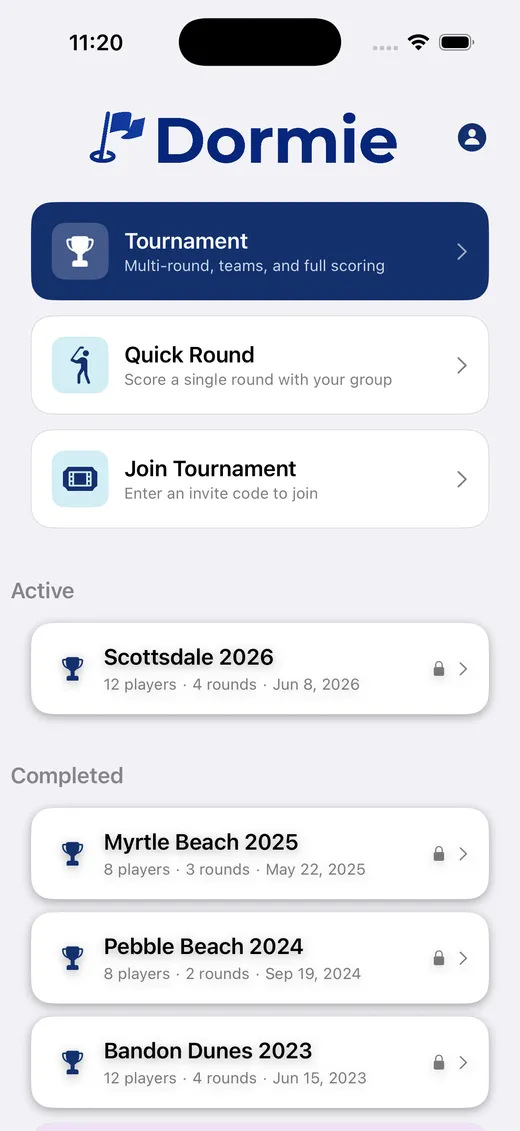
Tap Lock It In, finish the roster and assignments in Setup, and follow the activation step shown in the app. Share the new tournament's link or code. Players sign in and claim their names; each playing group needs a joined scorer.
THE GUESTS
Join the trip and find your group.
Open the invitation, sign in, and choose your roster name. After the Commissioner starts the round, review and confirm your group's tees, then start your match or group. Enter gross strokes hole by hole, review the card, and submit it at the end.